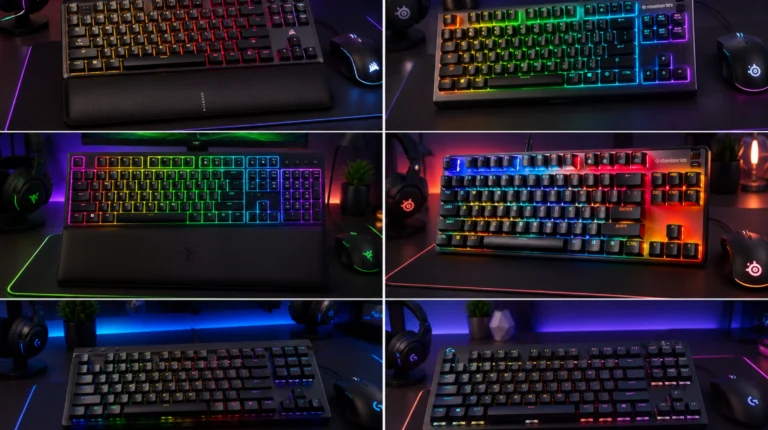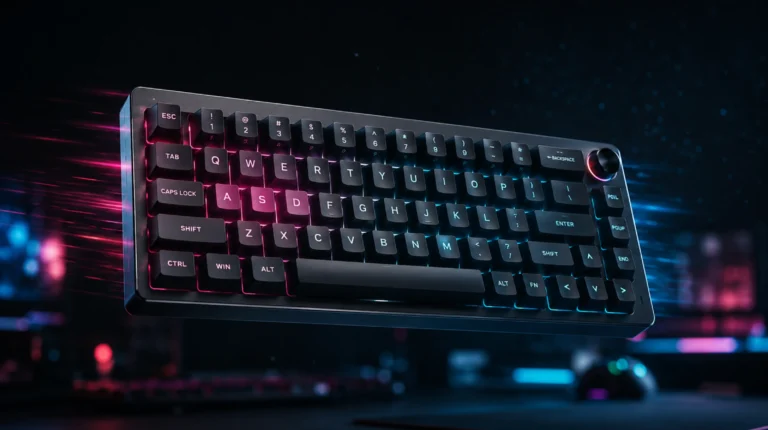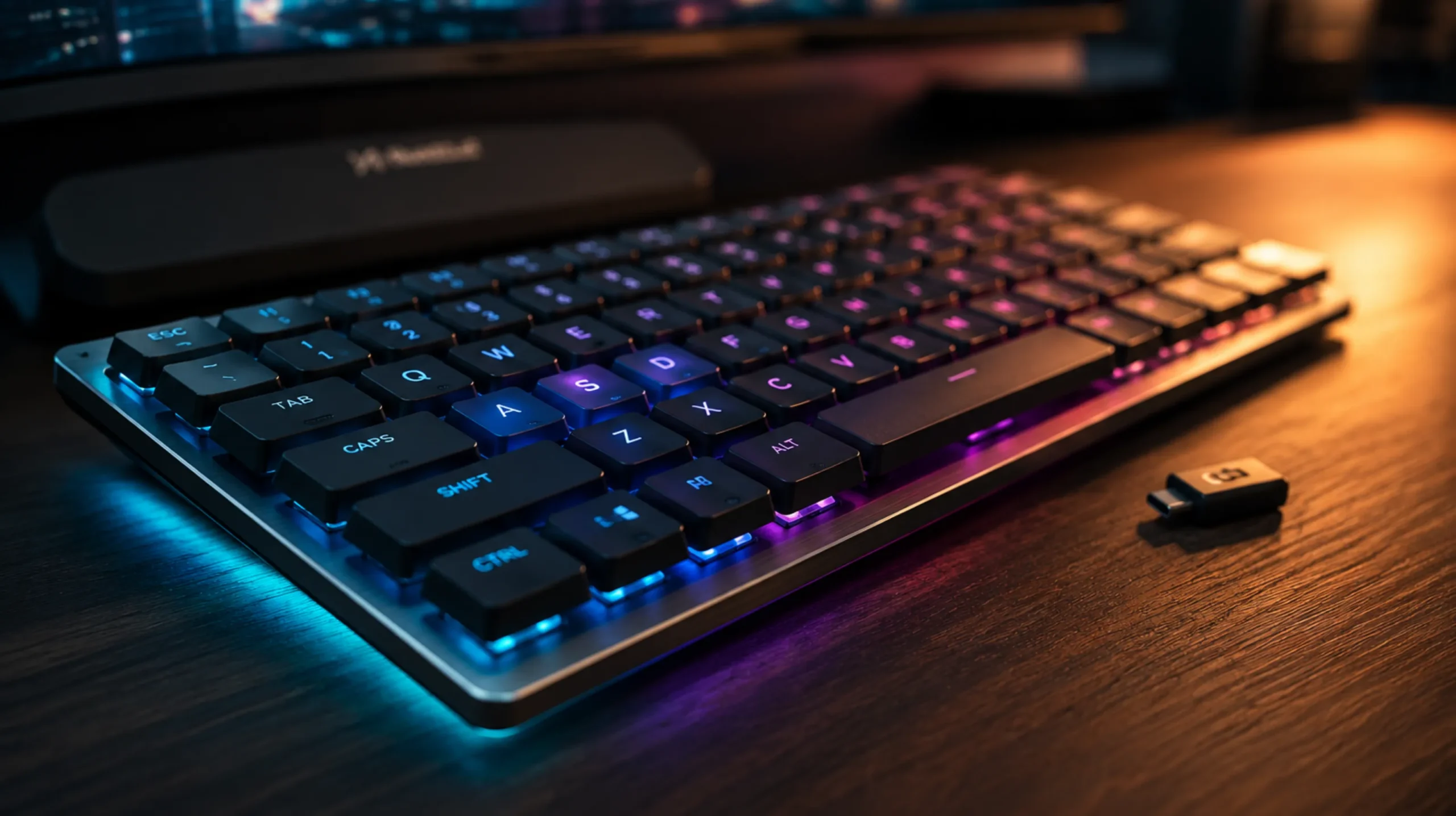
Best Low Profile Wireless Gaming Keyboards 6 Tested Picks
This article contains affiliate links. If you buy through them, I earn a small commission at no extra cost to you. I only recommend keyboards I’ve actually tested. As an Amazon Associate I earn from qualifying purchases.
I used to roll my eyes at low-profile boards. For years they felt like sad laptop keyboards glued to a desk — mushy travel, weird switches, half-baked wireless. Then the last two years happened. Switches got better. Batteries got smaller. A few brands finally stopped treating “thin” as code for “cheap.” After living with a stack of them on my desk, swapping daily drivers for weeks at a stretch, dragging them to coffee shops and frag-clipping with them in Apex, I’ve got real opinions. This is my shortlist for the best low profile wireless gaming keyboard right now — with the tradeoffs spelled out so you don’t drop $250 finding out the hard way.
Quick clarification before the table. “Low-profile” here means the switches themselves are short — roughly 11–13mm tall versus the 18mm of a standard MX switch. Not just a slim case bolted around a normal switch. That distinction matters more than spec sheets let on.
Quick Comparison: Best Low Profile Wireless Gaming Keyboard at a Glance
| Pick | Model | Switch | Layout | Battery | Best For |
|---|---|---|---|---|---|
| 🏆 Best Overall | Logitech G915 TKL Lightspeed | GL Tactile / Linear / Clicky | TKL | ~40 hrs (RGB on) | Most gamers, most days |
| 💎 Best Premium | Corsair K100 Air Wireless | Cherry MX Ultra Low Profile | Full-size | ~50 hrs | Macro-heavy users, MMO crowd |
| 💰 Best Value | Logitech G515 Lightspeed TKL | GL Tactile / Linear | TKL | ~36 hrs | First-time low-profile buyers |
| ✈️ Best for Travel | Nuphy Air75 V2 | Gateron Low-Profile 2.0 | 75% | ~220 hrs (no RGB) | Coffee-shop typists, slim setups |
| ⌨️ Best Typing + Gaming | Keychron K3 Pro / K5 Pro | Gateron / Keychron Low-Profile | 75% / 96% | ~99 hrs (no RGB) | Hot-swap tinkerers |
| 🎮 Best for Esports | Razer DeathStalker V2 Pro TKL | Razer Optical Low-Profile | TKL | ~50 hrs | Latency-obsessed players |
If you only want the headline: the G915 TKL still wins overall, the G515 is the smarter buy if you’re price-sensitive, and the Nuphy Air75 V2 is the one I keep grabbing for travel. The rest depends on what you actually do at the keyboard.
For the full picture on wireless boards in general (not just slim ones), see my wireless gaming keyboard breakdown. This piece sticks to low-profile.
What “Low-Profile” Actually Means (and Why It Matters)
Here’s where most buying guides hand-wave and lose you. There are two flavors of “low-profile” being sold under the same label:
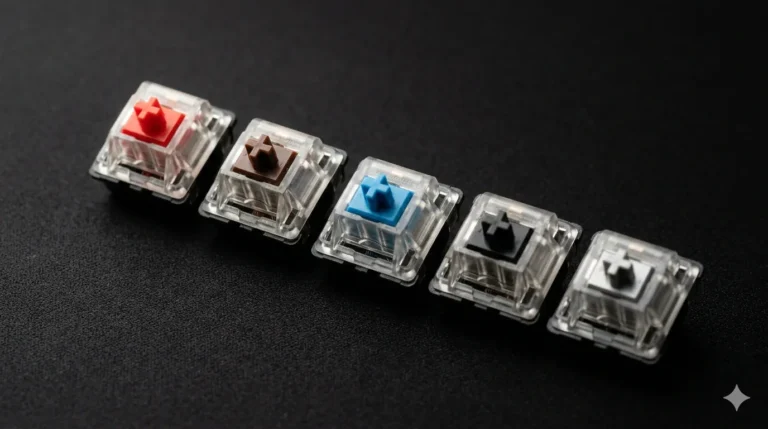
- Genuine low-profile switches — shorter stems, shorter travel (around 3.2mm vs the usual 4.0mm), shorter total height. Logitech GL, Cherry MX ULP, Gateron Low-Profile 2.0, Kailh Choc, Razer Optical low-profile. This is what you want.
- “Slim” cases with regular switches — the keyboard looks thin from the side because the case has been shaved down, but the switches and keycaps are standard height. The travel time isn’t actually faster. It’s a cosmetic move.
Real low-profile boards feel different in the hand. Less finger travel, less wrist extension, and — if you’re coming from a tall MX board — fewer typos once your muscle memory adjusts (give it about a week).
One practical note that gets ignored: keycap replacements are limited on most low-profile boards. The mount isn’t always MX-compatible. Cherry’s ULP is. Logitech GL is not. If you live for custom keycaps, that changes which board you should buy. My keycaps and switches primer walks through what plays nice with what.
The Picks for the Best Low Profile Wireless Gaming Keyboard
1. Logitech G915 TKL Lightspeed — Best Overall

- LIGHTSPEED wireless delivers pro-grade performance with flexibility and freedom from cords. Creates a clean aesthetic fo…
- LIGHTSYNC technology provides RGB lighting that synchronizes lighting with any content. Personalize each key or create c…
- Low Profile mechanical switches offers the speed, accuracy and performance of a mechanical switch at half the height The…
The G915 TKL has been around long enough that you’d expect it to feel dated. It doesn’t. Lightspeed wireless still beats most “gaming-grade” 2.4GHz implementations in real-world latency, the aluminum top plate is genuinely premium, and the GL Tactile switches are one of the few low-profile tactiles I’d happily type on for eight hours straight.
What I like:
- Solid aluminum build that hasn’t flexed even a hair on mine after two years
- Dual-mode wireless (Lightspeed 2.4GHz + Bluetooth)
- Smart dedicated media controls and a real volume roller
- Battery holds up if you ease off the RGB
Here’s the catch: ABS keycaps that shine up within months, and at MSRP it’s pricier than it should be in 2026. Wait for a sale and it’s a no-brainer.
Verdict: If a friend asked me which is the best low profile wireless gaming keyboard without wanting to overthink it, this is still my answer.
2. Logitech G515 Lightspeed TKL — Best Value

- Mechanical Gaming Keyboard: The Logitech G515 LIGHTSPEED TKL offers a slim profile and tenkeyless design with tri-mode c…
- GL Brown Tactile Switches with Discernible Feedback: The low-profile GL mechanical switches on this compact gaming keybo…
- 36 Hours of Play: Keep playing wirelessly with up to 36 hours of continuous battery life; battery life varies with use c…
Logitech’s newer, lighter, cheaper sibling to the G915. Plastic case instead of aluminum, but the GL switches are the same family and the wireless stack is the same Lightspeed. In blind typing on my desk, I genuinely couldn’t tell the G915 and G515 apart with my eyes closed. The aluminum just looks nicer.
What you give up: premium hand-feel, the volume roller, some media controls. What you save: a real chunk of money — usually $60–80 depending on sales.
Verdict: If you’ve never owned a low-profile board and you don’t want to gamble $200+, start here. You will not feel cheated.
3. Keychron K3 Pro / K5 Pro — Best for Typists Who Also Game

- Keychron K5 Pro is an ultra-slim wireless custom mechanical keyboard that allows anyone to master any keys or macro comm…
- QMK and VIA Support – Keychron K5 Pro allows anyone to remap any key, and create macro commands, shortcuts, or combinati…
- Wireless and Wired Dual Mode – You can connect the K5 Pro with up to 3 devices wirelessly via its stable Broadcom Blueto…
Keychron earns the typist crown by doing something almost nobody else does in low-profile: hot-swap sockets and full QMK/VIA support. You can swap switches without soldering. You can remap every key in software that isn’t garbage. For the enthusiast crowd that wants to game on a low-profile board without giving up tinkering, this is the move.
The K3 Pro is a 75% layout — compact, arrow keys present, function row, nothing wasted. The K5 Pro is the 96% (full-size feel without the dead space between blocks).
Honest tradeoff: the 2.4GHz dongle isn’t standard on every SKU. Bluetooth-only mode adds noticeable latency for fast-paced games. If you mostly type and occasionally game, fine. If you mostly game, get the dongle SKU or pick a different board. My full Keychron breakdown digs into which version of which Keychron is worth your money.
4. Nuphy Air75 V2 — Best for Travel and Slim Setups

- Translucent bottom shell design: The overall layout of the Air75 V2 wireless keyboard is similar to that of the Air75, f…
- Supports multi-device connectivity: Air75 V2 wireless mechanical keyboard is compatible with Mac/Windows/Linux/Android/i…
- Cool RGB Backlit Effect: The backlight of Air75 V2 has more than 21 different color effects, which can be easily changed…
Nuphy boards look like they were designed for an Apple Store, and that’s not a knock — it’s the point. The Air75 V2 is barely thicker than an iPad. Mine lives in my laptop bag full-time.
Gateron’s Low-Profile 2.0 switches are smoother than the V1 generation, and the stock sound is genuinely good — none of that hollow chassis ping the early Air series had. Three wireless modes (2.4GHz, Bluetooth, USB-C), magnetic feet that snap on cleanly, and a wrist rest option that actually matches the board’s finish.
The catch: 2.4GHz gaming latency is fine for most genres but not the absolute fastest in this list. Esports players will feel it. Everyone else won’t.
Verdict: Best-looking, most portable, and quietly competent for gaming. The board I actually grab when I’m leaving the house.
5. Corsair K100 Air Wireless — Best Premium

- Stunning, Refined, and Ultra-Thin: The K100 AIR is an unbelievably thin wireless gaming keyboard just 11mm at its slimme…
- Fast Wireless and Wired Connection Options: Three ways to connect to up to five different devices – Via sub-1ms SLIPSTRE…
- Masterful Wireless Multi-Tasking: Quickly switch between wireless connections on your PC, Mac, and more at the press of …
The K100 Air is what happens when somebody decides to engineer a flagship full-size board that’s only 11mm thin. Cherry MX Ultra Low Profile switches, dedicated macro keys, full per-key RGB, and Corsair Slipstream wireless holding a 1ms polling rate.
It’s expensive. It’s also extremely well-made. If you play MMOs, work in software that lives off macros, or just want the most capable slim wireless board on the market, this is the answer.
Honest catch: full-size is a lot of real estate for a low-profile design, and at this price you’re paying as much for the Corsair badge and iCUE ecosystem as for the switches themselves. Worth it if you’ll actually use the macro column. A waste if you won’t.
6. Razer DeathStalker V2 Pro TKL — Best for Esports

- LOW-PROFILE LINEAR OPTICAL SWITCHES — Perform quicker keystrokes with all-new switches that have a shorter actuation hei…
- TOP-CLASS CONNECTIVITY — Experience lag-free gaming and instant response with Razer HyperSpeed Wireless (2.4GHz) connect…
- ULTRA-LONG UP TO 200-HOUR BATTERY LIFE — Power through an entire day of gaming without breaking a sweat, also includes a…
Razer’s optical low-profile switches register at the speed of light because there’s no physical contact bounce to debounce around. Whether you can actually feel the difference versus a good mechanical low-profile is a separate argument — most people, including me, can’t blind-test it. For competitive players who want zero excuses, this board removes the excuse.
The TKL version is the one I’d point you at. Full-size is overkill on most gaming desks. For more on why TKL hits the sweet spot, see my compact gaming keyboard guide.
Wireless Tradeoffs You Should Actually Care About
Two things people get wrong about wireless gaming boards:
- Bluetooth is not for gaming. It’s fine for typing, terrible for fast games. If a board only supports Bluetooth, it’s not a gaming keyboard regardless of marketing.
- 2.4GHz with a proper dongle is functionally identical to wired for everything except the highest tiers of competitive play. Logitech Lightspeed, Corsair Slipstream, and Razer HyperSpeed all measure within a millisecond of wired. Stop worrying about it.
Battery numbers are also mostly fiction if RGB is on at full brightness. The hours in my table reflect RGB off or low. Plan accordingly.
A few specs worth checking before you buy:
- Polling rate: 1000Hz is fine. 4000Hz and 8000Hz exist on some 2026 models. You will not feel the difference in any game I’ve played unless you’re a top-1% FPS player.
- NKRO (n-key rollover): Make sure 2.4GHz mode supports full NKRO. Some boards drop to 6-key over Bluetooth, which matters for rhythm games and certain shooter binds.
- Layout: TKL and 75% are the sweet spots for gaming. Full-size eats mouse space. 60% is too cramped for most non-competitive players.
My Honest Verdict
If you’re asking which is the best low profile wireless gaming keyboard for most people, I’m still pointing at the Logitech G915 TKL Lightspeed. It’s held that title for a reason, and nothing has cleanly dethroned it yet. The G515 Lightspeed is the smarter buy if you’re not chasing aluminum. For travel and looks, the Nuphy Air75 V2 earns its spot. For tinkerers, Keychron. For esports diehards, the DeathStalker V2 Pro TKL.
One last thing — and this is the contrarian take. A great regular-height wireless board (like the Keychron Q1 Pro or a Lemokey L3) will outperform a mediocre low-profile board in every category that matters except thinness. Don’t buy low-profile because it sounds cool. Buy it because you’ve typed on one and the shorter travel actually suits your hands. If you haven’t, find a friend who has one and try it for a day first. Half the people who buy thin boards end up missing the extra travel within a month.
This article contains affiliate links. If you buy through them, I earn a small commission at no extra cost to you. I only recommend keyboards I’ve actually tested. As an Amazon Associate I earn from qualifying purchases.

I’ve torn down, lubed, and rebuilt several hundred keyboards — from $20 membranes to $800 enthusiast boards. I review them honestly, even when “honestly” means telling you to skip the one with the bigger marketing budget.