Best Hot-Swap Wireless Gaming Keyboard: Top Picks Tested
This article contains affiliate links. If you buy through them, I earn a small commission at no extra cost to you. I only recommend keyboards I’ve actually tested. As an Amazon Associate I earn from qualifying purchases.
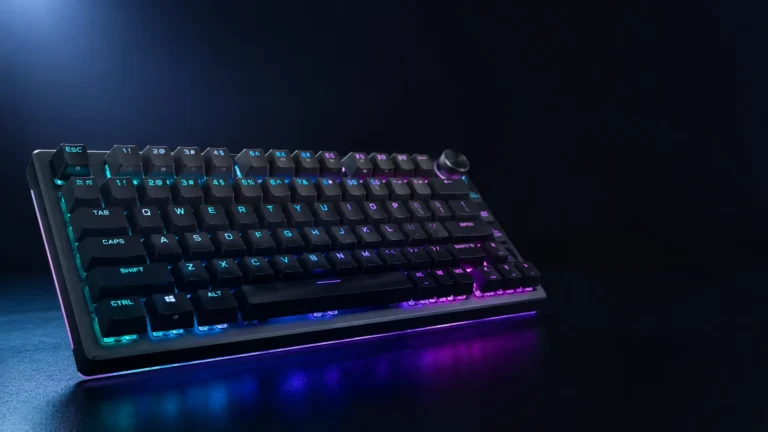
Five years ago, “hot-swap” was a corner-of-the-hobby word — the kind of thing you only heard from people who owned a soldering iron and an opinion about lube weights. Now it’s printed on the side of half the boards at Best Buy. But here’s the catch: doing hot-swap and doing wireless and doing it for gaming is still where most companies trip over their own feet. The best hot-swap wireless gaming keyboard isn’t just a board with sockets and a 2.4GHz dongle thrown in the box. It’s one where both halves actually pull their weight.
I’ve been swapping switches in keyboards since the original Cherry MX days, and I spent the last couple of months running the current crop of hot-swap wireless boards as daily drivers — in CS2 sessions, in Valorant queues, and in the kind of long typing days where a bad board really starts to bite. A few stood out. One major brand still doesn’t belong on this list yet — and I’ll get to why.
What a Hot-Swap Wireless Gaming Keyboard Actually Buys You
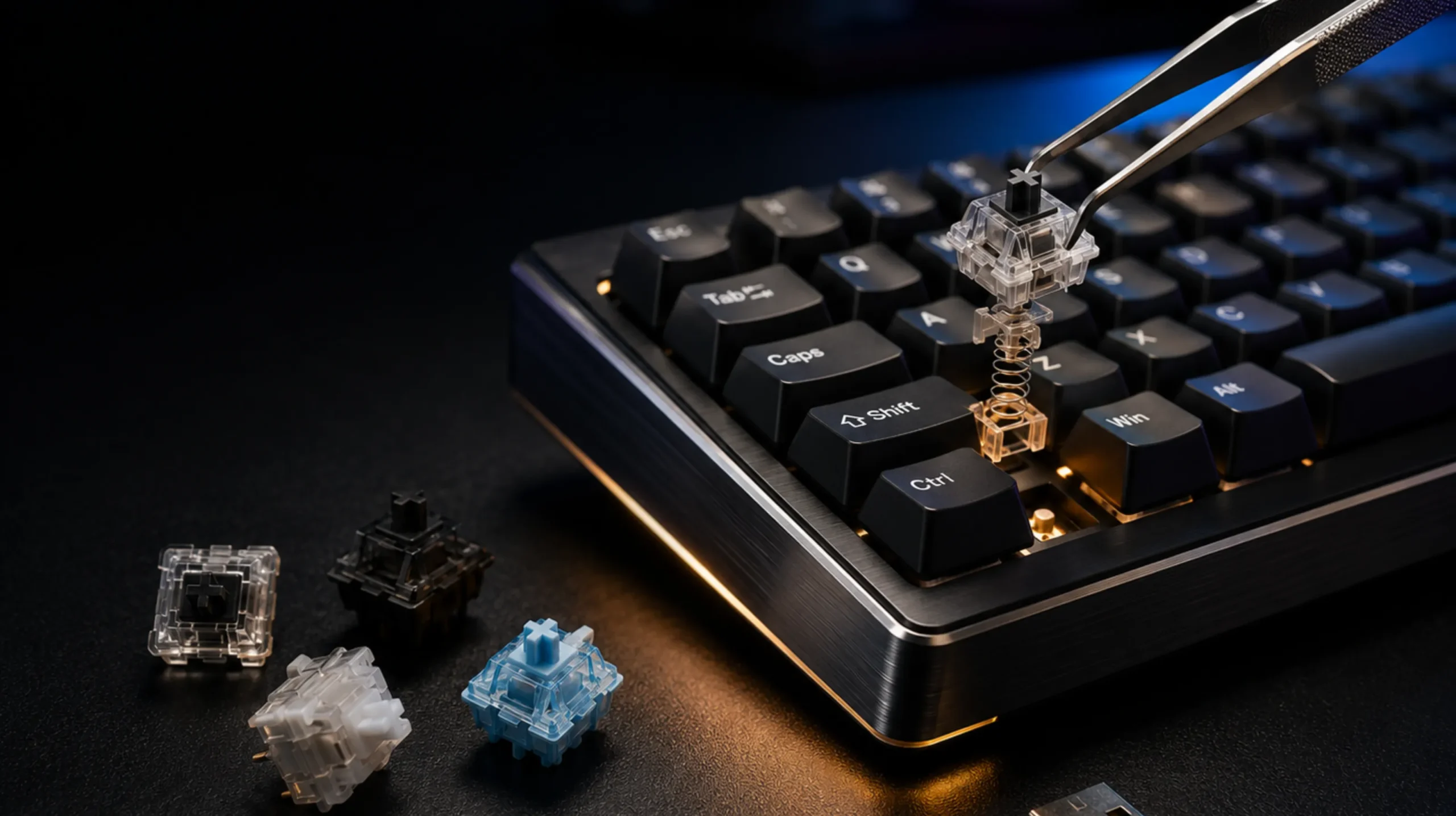
Quick sanity check before we get to picks. Hot-swap means the switches sit in sockets on the PCB instead of being soldered down. Pull the switch with a puller, drop a new one in, done. That’s the headline feature.
What separates a good hot-swap implementation from a marketing one:
- 5-pin sockets, not just 3-pin. Five-pin sockets accept everything — including plate-mount switches that won’t seat properly in 3-pin sockets unless you snip the legs.
- South-facing LEDs. This matters the second you want to use Cherry-profile keycaps, which interfere with north-facing RGB. Most gaming brands still mount LEDs at the north end and quietly hope you don’t notice.
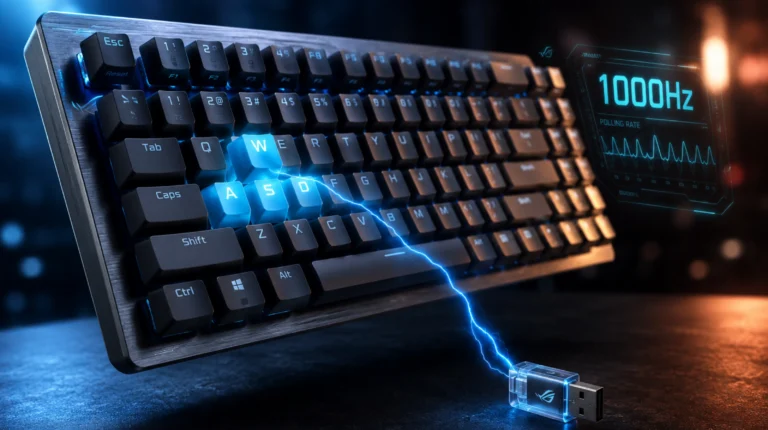
- Wireless that doesn’t choke under load. A 1000Hz polling rate over 2.4GHz is the floor for real gaming. Bluetooth is for the couch.
If a board hits those three, you’re in business. Miss one and you’ll feel it within a week. If you want a longer breakdown on what actually changes between switch types, I wrote a full switches guide here that goes deeper than I will in this piece.
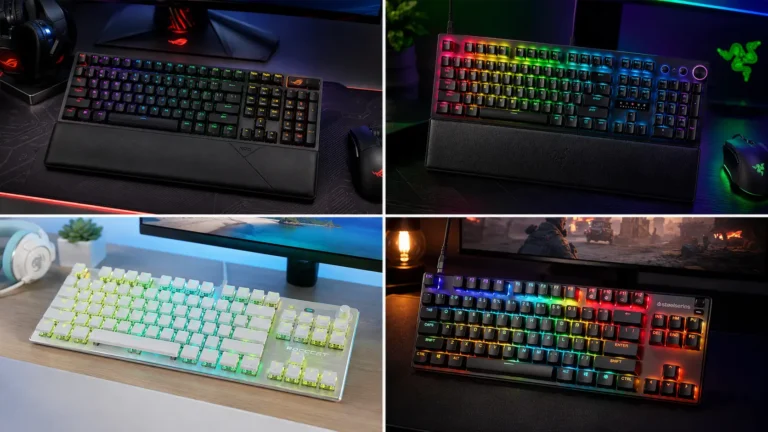
Quick Comparison: Best Hot-Swap Wireless Gaming Keyboard Picks at a Glance
This is the table to bookmark if you’re just here for the verdict.
| Best For | Pick | Layout | Wireless | Polling | Price (MSRP) |
|---|---|---|---|---|---|
| Most gamers (overall pick) | ASUS ROG Strix Scope II 96 Wireless | 96% | 2.4GHz + BT | 1000Hz | ~$159 |
| Esports & lowest wireless latency | Razer BlackWidow V4 Pro 75% | 75% | 2.4GHz + BT | 4000Hz | ~$300 |
| Premium build / typing crossover | ASUS ROG Azoth X | 75% | 2.4GHz + BT | 1000Hz | ~$300 |
| Hobbyist daily driver | Keychron Q1 Pro | 75% | 2.4GHz + BT | 1000Hz | ~$200 |
| Budget hot-swap wireless | Keychron V Max series / Akko 5075B Plus | 65–96% | 2.4GHz + BT | 1000Hz | $90–$130 |
Below each pick gets the breakdown it deserves — including the catches.
Best Hot-Swap Wireless Gaming Keyboard Overall: ASUS ROG Strix Scope II 96 Wireless

- TKL Size with Full-Size Functionality and Num Pad: Experience a compact, space-saving design that’s only 1 cm wider than…
- Versatile Tri-Mode Connectivity: Seamlessly connect via Bluetooth (supporting up to 3 devices), low-latency 2.4GHz wirel…
- Enhanced Acoustics: Integrated sound-dampening foam and switch-dampening pads effectively absorb pinging noises and echo…
If you can only buy one board and you want it to do everything reasonably well, this is the one I keep coming back to. The Scope II 96 hits the unusual sweet spot where the gaming features don’t make it a chore to type on, and the typing features don’t make it pull punches in-game.
A few things to call out:
- The 96% layout is the move most people don’t realize they want — full numpad, no wasted gap, smaller footprint than a TKL-plus-numpad setup.
- Switches are ROG NX Snow linears, pre-lubed from the factory, hot-swappable on 5-pin sockets.
- Tri-mode connectivity: 2.4GHz, Bluetooth, and USB. Battery is genuinely strong — I went a workweek-plus on 2.4GHz before plugging it in, and substantially longer on Bluetooth with the lights off.
- Double-shot PBT keycaps stock. That’s the right material and the right method; they’ll outlast the keyboard.
Here’s the honest caveat: the software is fine, not great. Armoury Crate has gotten better but it’s still bloat next to Keychron Launcher or QMK. You’ll live with it, but you’ll notice.
For Competitive Players: Razer BlackWidow V4 Pro 75%

- TRUE 4K Hz WIRELESS & BLUETOOTH 5.1 — Experience a greater level of gaming response powered by Razer HyperSpeed and Raze…
- HOT-SWAPPABLE DESIGN — Compatible with 3 or 5-pin switches, the keyboard’s socketed PCB makes it easy swap out its pre-l…
- OLED DISPLAY WITH COMMAND DIAL — Check the PC system metrics at a glance, show custom GIFs on the display, and enjoy exp…
I was skeptical of Razer’s hot-swap story for a while. They were late to the party, and their first attempts felt like they wanted hobbyist credit without doing the homework. The V4 Pro 75% is where they actually showed up.
The selling points that matter:
- True 4000Hz polling over 2.4GHz wireless — currently the fastest you’ll find on a wireless gaming board.
- 5-pin universal sockets, so you’re not locked into Razer’s house switches.
- Gasket-mount construction with sound dampening that actually sounds like something you’d want to type on, not just shoot on.
It’s $300, which is a lot. You’re paying for the OLED command dial, the polling rate, and the build. If you’re a competitive player who’s already deep in the Razer ecosystem and wants the lowest possible wireless latency, this is the answer. If you’re not, the value math gets harder fast.
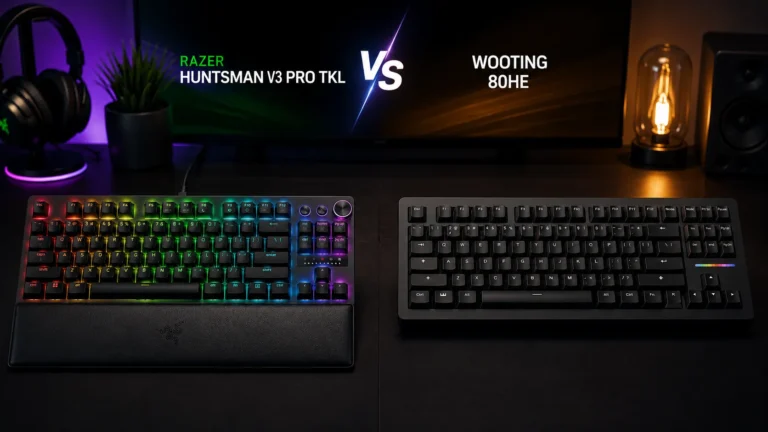
If you don’t need wireless specifically and you just want broader wireless gaming options to compare against, my full wireless gaming keyboard roundup covers a wider field including non-hot-swap models worth considering.
Premium Enthusiast Crossover: ASUS ROG Azoth X
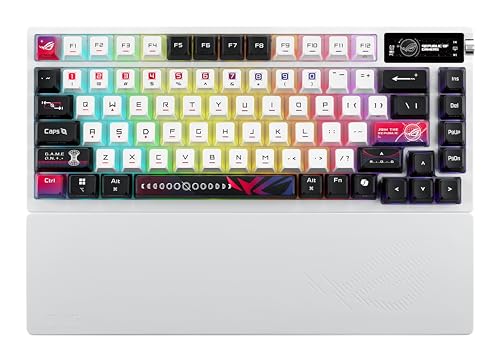
- Tri-mode connectvity: Seamlessly connect to three devices via Bluetooth. Experience ultra-low latency gameplay with ROG …
- Deep, Crisp Typing Sounds & Comfortable Feel: Enjoy sublime acoustics thanks to the gasket mount and five-layer dampenin…
- Hot Swappable, Pre-Lubricated Mechanical Switches: Choose between upgraded ROG NX V2 Snow linear switches (buttery smoot…
The Azoth X is what happens when a gaming brand takes the custom-keyboard world seriously. Gasket mount, double-layer foam, hot-swap on 5-pin sockets, pre-lubed switches, OLED, tri-mode wireless. The X refresh adds the newer ROG NX V2 switches and tightens up a few of the rough edges from the original Azoth.
You buy this if you want a gaming keyboard that sounds and feels closer to a $500 custom build at around $300. It’s a real “I’ll never need to upgrade my board again” pick if you can stomach the price.
The catch: it’s a 75% with an exposed knob. No numpad. If you live and die by spreadsheets or you’re a number-cruncher first and a gamer second, look elsewhere.
For the Custom-Keyboard Crowd Who Also Game: Keychron Q1 Pro
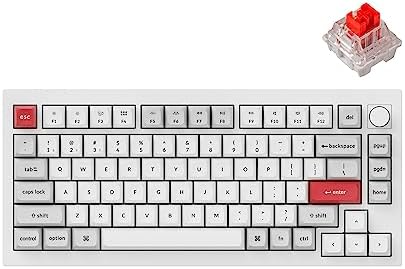
- Wireless and Full Metal: Meet the Keychron Q1 Pro, a groundbreaking full metal QMK/VIA wireless custom mechanical keyboa…
- Multitasking Wirelessly and Wired Connections: You can connect the Q1 Pro with up to 3 devices wirelessly via its stable…
- Programmable with QMK & VIA: Keychron Q1 Pro allows anyone to remap any key, and create macro commands, shortcuts, or co…
This is the one I recommend most often to people who care about the hobby side as much as the gaming side. The Q1 Pro is essentially a Keychron Q1 — full CNC aluminum, double gasket mount, screw-in stabs, QMK and VIA support — with wireless added on properly.
Where it beats the gaming-brand boards:
- South-facing LEDs out of the box. Cherry-profile keycaps drop right on without blocked RGB.
- QMK and VIA support, which is the real customization standard. No proprietary software living in your system tray.
- Sound profile that beats most $300 gaming boards straight from the box.
Where it gives up ground: polling tops out at 1000Hz wireless. No 8K. No fancy OLED. No built-in dongle holder. 1000Hz is enough for the overwhelming majority of players — if you can’t tell the difference between 1K and 8K in a blind test, you can’t tell. But if you’re chasing the absolute floor on input latency for ranked play, this isn’t the pick. If you want a closer Keychron breakdown including how it compares to the cheaper V Max line, I’ve got you covered.
Best Budget Hot-Swap Wireless Gaming Keyboard: Keychron V Max Series
This is where the math really starts to favor you. The V Max line gives you hot-swap, tri-mode wireless, south-facing LEDs, gasket mount, and a build that punches several tiers above its price — roughly $90 to $130 depending on layout.
What you give up for the savings: plastic case instead of aluminum, fewer foam layers, lighter overall feel in the hand. The board still types better than most full-price gaming boards.
The Akko 5075B Plus is the other budget pick worth a look — similar feature set, sometimes a bit cheaper depending on sales, slightly less consistent build quality from unit to unit. Either is a smart buy if you want into hot-swap wireless gaming without taking out a small loan. For a wider budget mechanical keyboard rundown, I’ve covered more of the sub-$100 contenders separately.
The Big-Name Brand Still Sitting Out the Hot-Swap Wireless Gaming Keyboard Game
I’ll say it plainly: Logitech.
They’ve made noise lately. The G512 X added hot-swap and even introduced “Dual Swap” for switching between mechanical and analog TMR switches on the same board — but it’s wired only. Their newer wireless hot-swap board, the Alto Keys K98M, is explicitly aimed at office productivity, not gaming. And their flagship wireless gaming line, the G915 / G Pro X family, still leans on Logitech’s proprietary low-profile GL switches with no real user-replaceable socketing.
For the company that arguably defined wireless gaming with LIGHTSPEED, that’s a strange place to be standing in 2026. If you want hot-swap, wireless, and gaming together right now, you’re looking at ASUS, Razer, or Keychron. Maybe the next G Pro X refresh fixes it. Until it does, Logitech’s wireless gaming lineup is sitting this round out.
What to Actually Check Before You Buy
A short spec checklist that’ll save you from buyer’s remorse:
- 5-pin sockets, not 3-pin. Future-proofs your switch options.
- South-facing LEDs. Especially if you’ll ever touch Cherry-profile keycaps.
- 2.4GHz wireless with at least 1000Hz polling. Verified, not just claimed.
- Honest battery numbers. Look for the 2.4GHz-with-lights-on rating, not the misleading RGB-off hero figure.
- PBT keycaps, not ABS. Doubleshot is the gold standard.
- VIA, QMK, or software that doesn’t run a background service forever.
Anything that hits five of those six is worth looking at. Anything that hits all six is a finalist.
Final Verdict
For most people, the ASUS ROG Strix Scope II 96 Wireless is the best hot-swap wireless gaming keyboard you can buy today — it’s the cleanest balance of price, battery, layout, and switch quality. If you’re chasing the absolute lowest wireless polling latency for competitive play, the Razer BlackWidow V4 Pro 75% earns its $300 ask. If you care about typing feel and the broader keyboard hobby as much as gaming, the Keychron Q1 Pro is the one I’d hand a friend without hesitation. And if budget is the constraint, the Keychron V Max line proves you don’t need to spend $200 to get this category right.
The hot-swap wireless gaming keyboard segment finally has real options in 2026. Just make sure the brand you’re handing your money to actually committed to both halves of the promise — and didn’t just put the words on the box.
This article contains affiliate links. If you buy through them, I earn a small commission at no extra cost to you. I only recommend keyboards I’ve actually tested. As an Amazon Associate I earn from qualifying purchases.

I’ve torn down, lubed, and rebuilt several hundred keyboards — from $20 membranes to $800 enthusiast boards. I review them honestly, even when “honestly” means telling you to skip the one with the bigger marketing budget.